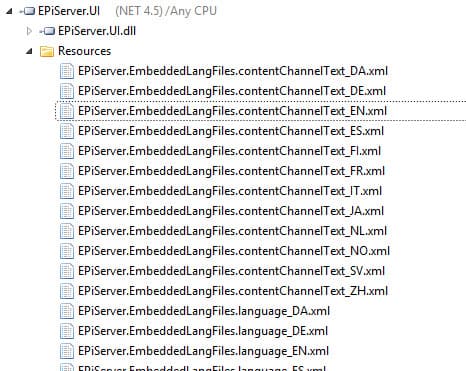
In earlier versions of EPiServer you could find the physical XML language files in the lang folder in your project. This changed with EPiServer 7. Now they are embedded as resources in a couple of assemblies and you have to browse them in a decompiler. I use Telerik JustDecompile and if I'm browsing an assembly there is a Resources-folder containing all the embedded resources.
The assemblies you are interested in is probably these guys:
- EPiServer.Cms.Shell.UI
- EPiServer.UI
This is what it looks like when browsing in Telerik JustDecompile:
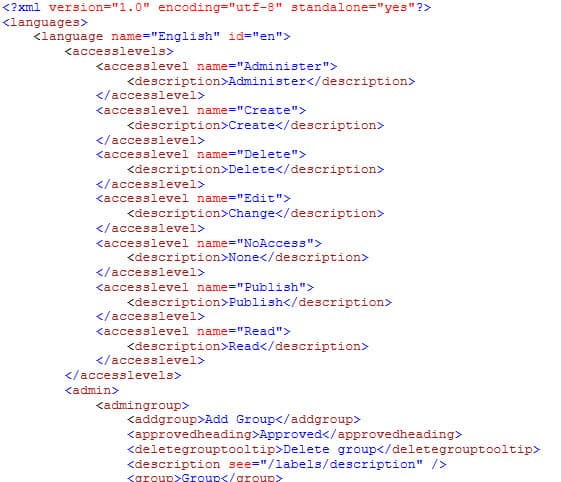
This is some of the content in EPiServer.EmbeddedLangFiles.language_EN.xml, viewed in Telerik JustDecompile:
How do I translate/change something?
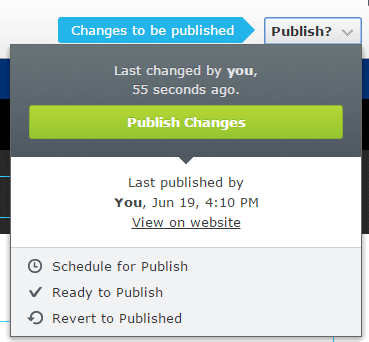
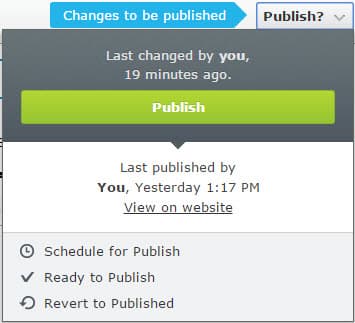
Let's say I want to change the text on the Publish Changes button for english:
I want the new text to be just 'Publish' for some weird reason. What I would do is search for the text 'Publish Changes' in the EPiServer.Cms.Shell.EmbeddedLangFiles.OnlineCenter_EN.xml file with XML Explorer so I can lookup the XPath used by EPiServer. To search for a node with a specific text I use this XPath expression: //*[text() = 'Publish Changes'].
Screenshot of search results in XML Explorer:
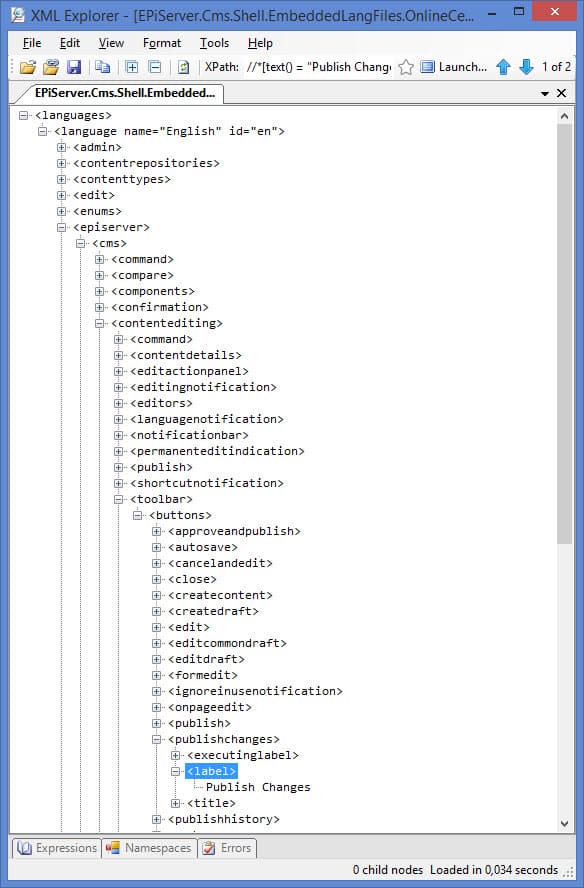
So, how do I change this? It's easy now that I know the XPath. I just create a folder in the root of my web project called 'lang' and create a file called OnlineCenterOverrides_EN.xml (or whatever you want to call it) in that folder with this content:
<?xml version='1.0' encoding='utf-8' standalone='yes' ?> <languages> <language name='English' id='en'> <episerver> <cms> <contentediting> <toolbar> <buttons> <publishchanges> <label>Publish</label> </publishchanges> </buttons> </toolbar> </contentediting> </cms> </episerver> </language> </languages>
After a reload I have achieved my goal:
Download EPiServer Language Files here
Ta kontakt